- Published on
- ·7 min read
First Impressions Matter — How We Handle App Store Listings
- Authors

- Name
- Bert / DOTUNE
- Developer
After you've built the app, the store listing is the last mile — but too many people treat it like something you throw together five minutes before submitting. That's backwards. In a world where marketing decides everything, your store page can be the highest-priority task, because it's the first impression that determines whether anyone walks through the door.
This is what I've learned managing App Store and Google Play listings — ASO, assets, copy, and running it all through CI/CD.
Define What Your App Solves
Before you touch the listing, answer a more basic question: what problem does your app actually solve?
In the vibe coding era, an app can go from idea to working prototype in a weekend. The side effect: a lot of apps ship when even the developer can't explain what they're for in a single sentence. "This app does a lot of things" usually means "nobody knows what it's for."
Store listing space is brutally limited. Users scroll past in seconds. You don't have time to list features. So before you touch ASO, copy, or screenshots, do one thing: nail down your single core value proposition.
Answer three questions:
- Who does your app help, and what problem does it solve for them?
- What's the first thing a user wants to do after opening your app?
- If you could only keep one feature, which one?
That last question is ruthless but effective. The answer is what your listing should lead with. Your copy direction, screenshot storyline, and ASO keywords all orbit this core.
Copy — Title, Description, What's New
With your core locked in, time to write.
Title and subtitle are the main event for ASO and conversion. A good title does two things at once: it tells the algorithm what you're about (keywords) and it makes a human want to tap (appeal). These two goals fight each other — a keyword-stuffed title reads like spam, and a poetic title won't surface in search. Also, both title and subtitle feed directly into keyword indexing, so you'll want data-backed decisions here.
Long description — the first three lines matter most. On both App Store and Google Play, the fold determines whether anyone expands to read more. Don't waste those first lines introducing yourself. Lead with the core value prop you defined earlier: who your app helps and what problem it solves. The rest below the fold? Write it properly, but readership drops off hard.
Localization — everything above is important, but the store page is your first point of contact with actual customers. For every target market, all copy needs translation into the local language. AI can automate the translation, but you can't skip this step. Keywords need separate research per locale — a term that drives traffic in US English might have zero search volume in Japanese. We built our own tools to research keyword heat per market before committing.
One more trick: App Store now OCR-scans the text inside your screenshots. So words in your screenshot mockups count as bonus keywords — the search engine picks them up. Pack relevant terms into your screenshot copy.
Visual Assets — The First Three Screenshots Decide Everything
Copy done. Now the visuals.
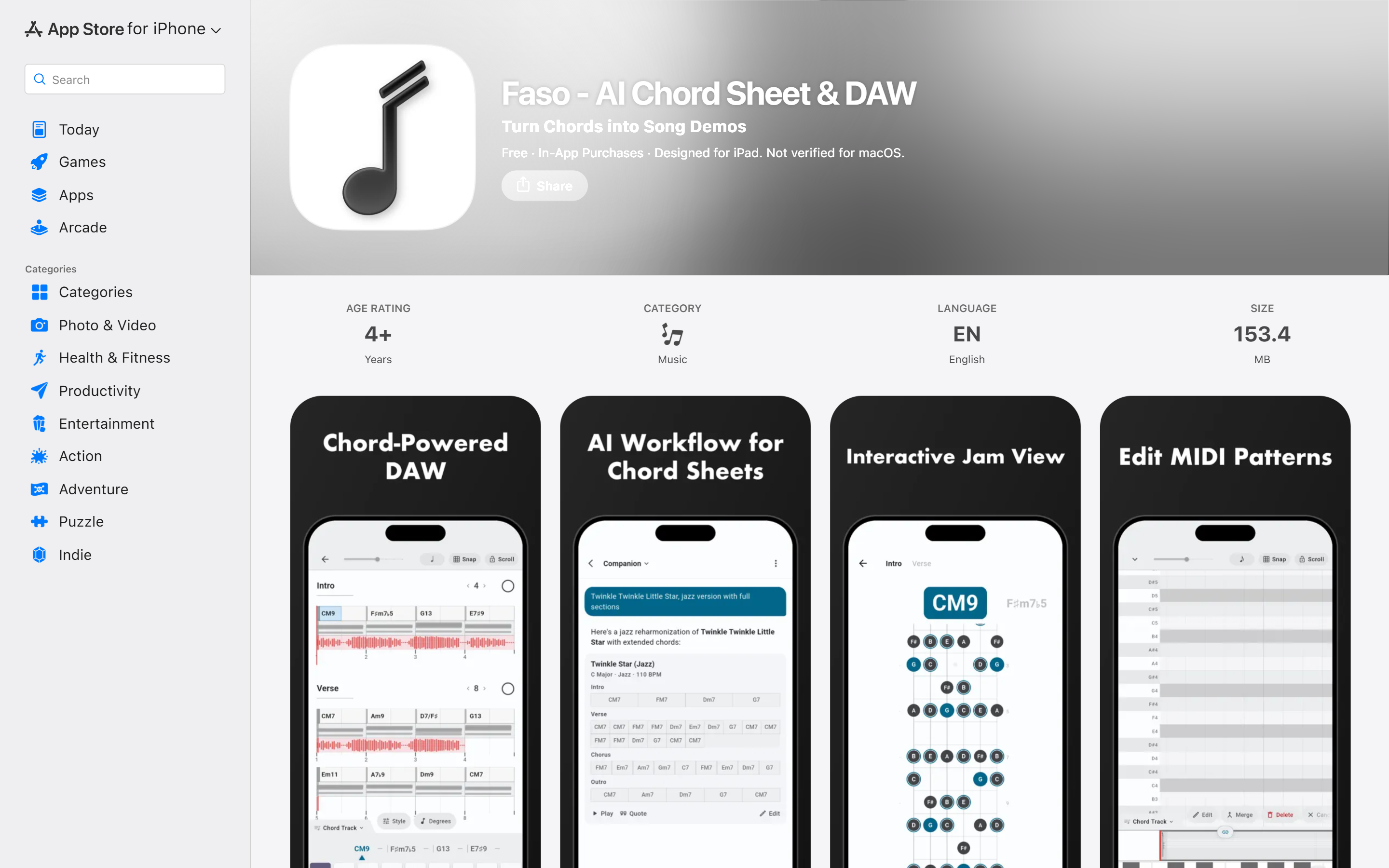
Most users only look at the first three screenshots. They won't scroll further. Your first three need to tell the complete story.
Should your screenshots include text overlay? My experience: show context, not feature lists. Instead of "Offline mode, cloud sync, multi-device support," show the app in actual use with one line that explains what this screen helps the user accomplish.
Preview videos — both stores support them, but the conversion lift is smaller than you'd think. If you're building a game or a highly interactive app, video helps. For tools and productivity apps, three great screenshots deliver more ROI than one video.
App icon — don't just throw an AI-generated icon up and call it a day. If it looks cheap, users will assume the app is too.
ASO Basics — Two Platforms, Two Logics
Copy and visuals ready. Now make them discoverable.
People think ASO means "stuff in keywords." Yes and no. The real difference is that App Store and Google Play have completely different indexing logic.
App Store keyword weight: title > subtitle > keyword field. Description basically doesn't affect search ranking. So: put your most important keywords in the title and subtitle, then use the 100-character keyword field — that's where Apple lets you pack long-tail terms. Don't waste it.
Google Play reverses this: the description is crawled and indexed. Title and short description carry the highest weight, but long-tail keywords in the full description also get picked up. You don't need to obsess over a keyword field here — invest in writing a natural description that weaves in your target terms.
The 2026 shift: both platforms are weighting user behavior signals more heavily — downloads, retention, ratings. Those now impact ranking more than pure keyword matching. ASO isn't just a text game anymore.
Managing Your Listing with CI/CD — Fastlane Automation
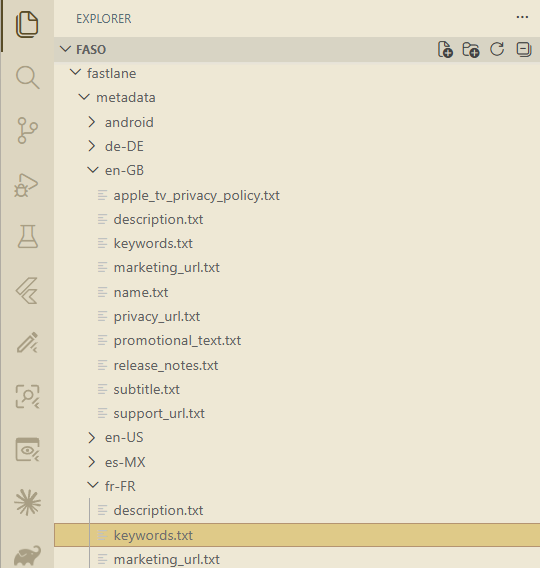
Store page content belongs in version control. I learned this the hard way.
Manually updating listings is painful. Change a description, log in to the console, find the right locale, copy-paste, check formatting, preview — and if your app supports five or six languages, syncing one update across all of them eats half a day. And manual work means manual mistakes — the German description that didn't get updated, the screenshot that's still the old version.
I scripted all store metadata into version control. The concept is straightforward: all localized copy and assets live in the repo. When a release ships, CI/CD pushes to App Store and Google Play automatically. No manual console clicking.
The benefit isn't just time saved. When your store content rides the same pipeline as your code, you eliminate the "new version is live but the listing still describes last month's features" problem. It's especially noticeable with global deployments — one script pushes every locale's update at once.
Ratings and Reviews — When to Ask
Ratings impact ASO ranking more each year. But timing matters.
Ask too early — a rating prompt three seconds after launch — and you won't just miss five stars; users might delete the app outright. Ask too late — when they've been using it forever — and they'll never bother to tap.
A better trigger: after the user completes a meaningful action. A budgeting app after the first transaction recorded. A learning app after finishing a chapter. That's the moment they've experienced your core value, and willingness to rate is highest.
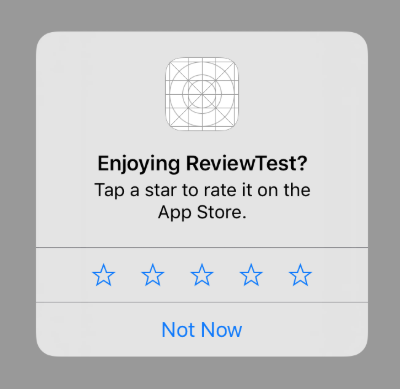
That's the simple version. In practice, I go one layer deeper.
App Store has rules about how you prompt for ratings: you can't pre-screen with "Do you like this app?" and only show the rating dialog to happy users — that gets you rejected. The safer approach: internally track user behavior, compute a satisfaction score, and only trigger the system rating dialog when it's genuinely high. One extra layer, and your rating quality noticeably improves over random prompts.
Respond to negative reviews? Yes. But not for the person who left one star — for everyone else watching from the sidelines trying to decide whether to download. One thoughtful response to a negative review is worth more than ten boilerplate replies to five-star ones.
A/B Testing — Your Listing Should Iterate Too
Your app iterates. Your listing should too.
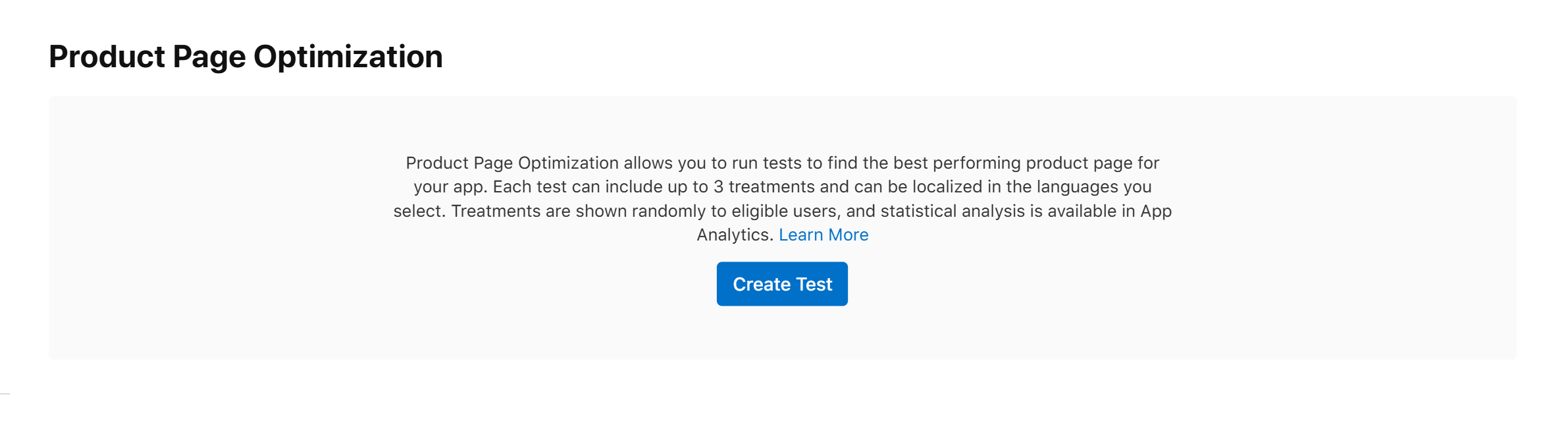
App Store has built-in Product Page Optimization — A/B test your icon, screenshots, and preview video to see which version converts better. Google Play has Store Listing Experiments that do the same, and they let you test per language.
Both are free. Set them up, let them run for a few weeks, keep the winner. Loop. Your conversion rate will climb toward a steady number over time. Don't aim for perfect out of the gate — ship it, and let the data tell you which version is better.
Your store listing isn't a last-minute checkbox. It's a product page that runs continuously, and it deserves the same version control and CI/CD discipline as your codebase. If you're shipping apps too, I hope this helps.